How VeriLeges works
VeriLeges helps you review legal citations in AI-generated text faster and in a more structured way. In four steps you go from input to a clear verification report.
Screenshots from the application
Add your text
Paste AI-generated legal text or upload a document. You can start checking right away.
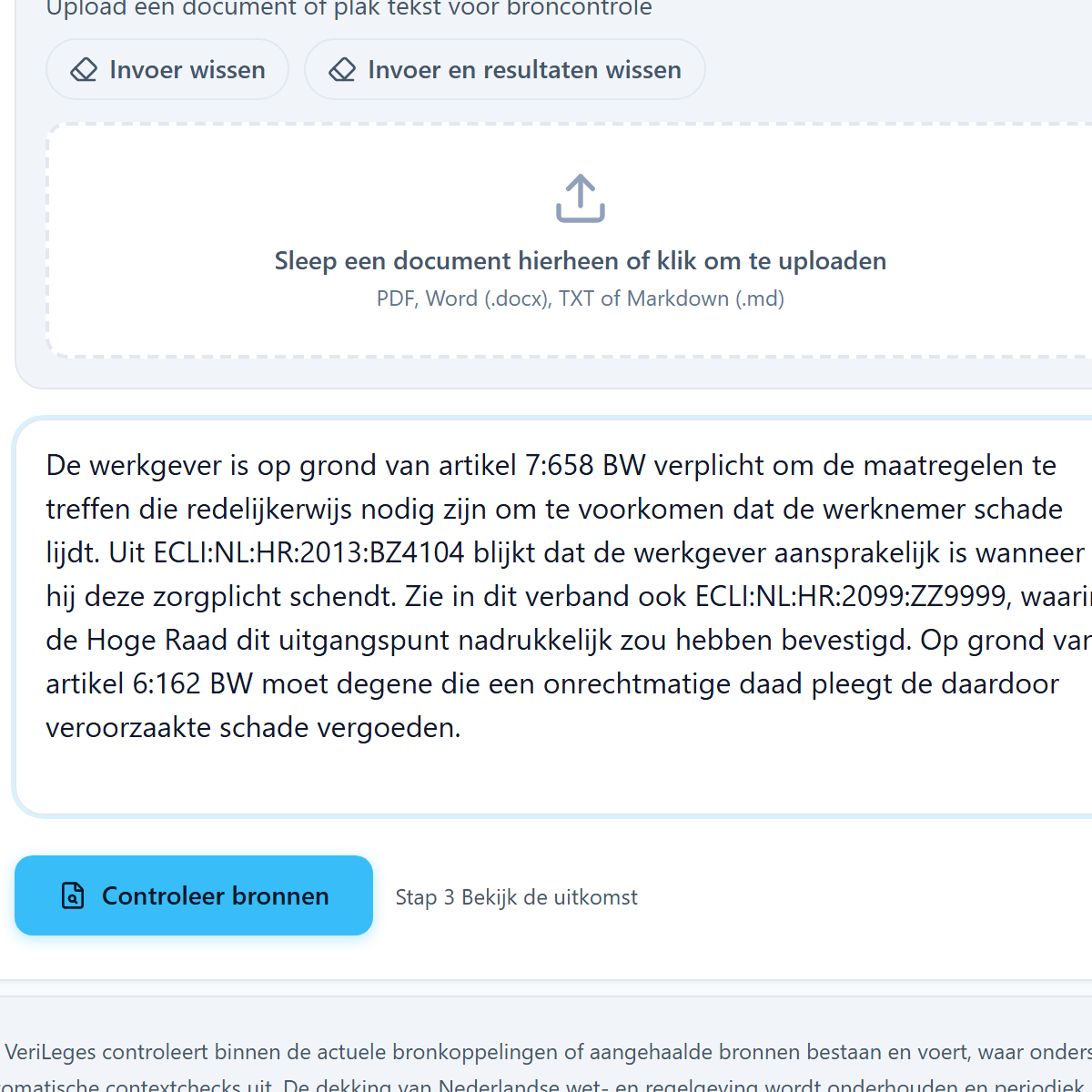
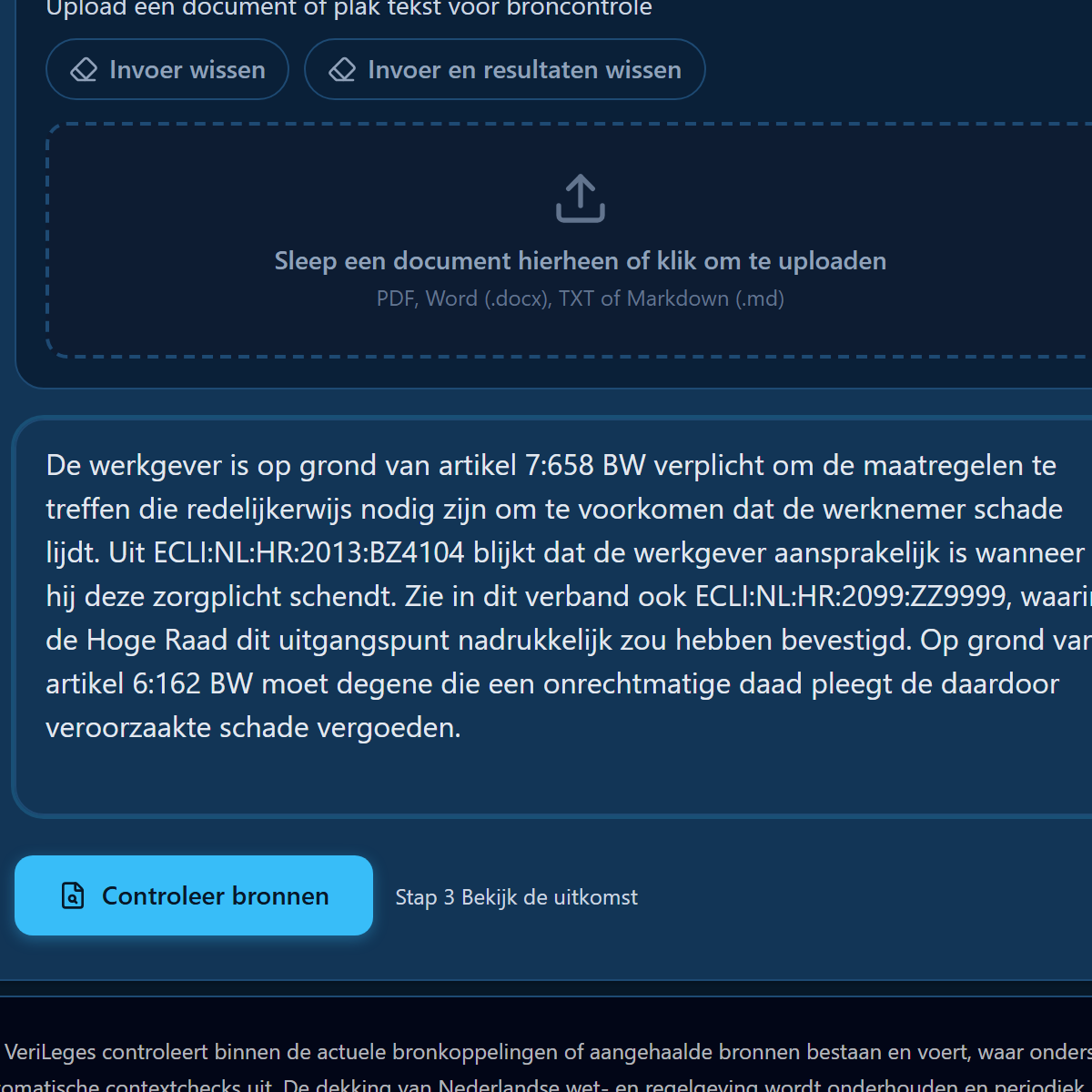
VeriLeges detects legal citations
The tool recognizes ECLIs, statute articles, journal citations, and other legal references.
Ready to try it yourself?
After citation detection comes source checking and your report. Start free, or schedule a demo if you want to review this with a team.
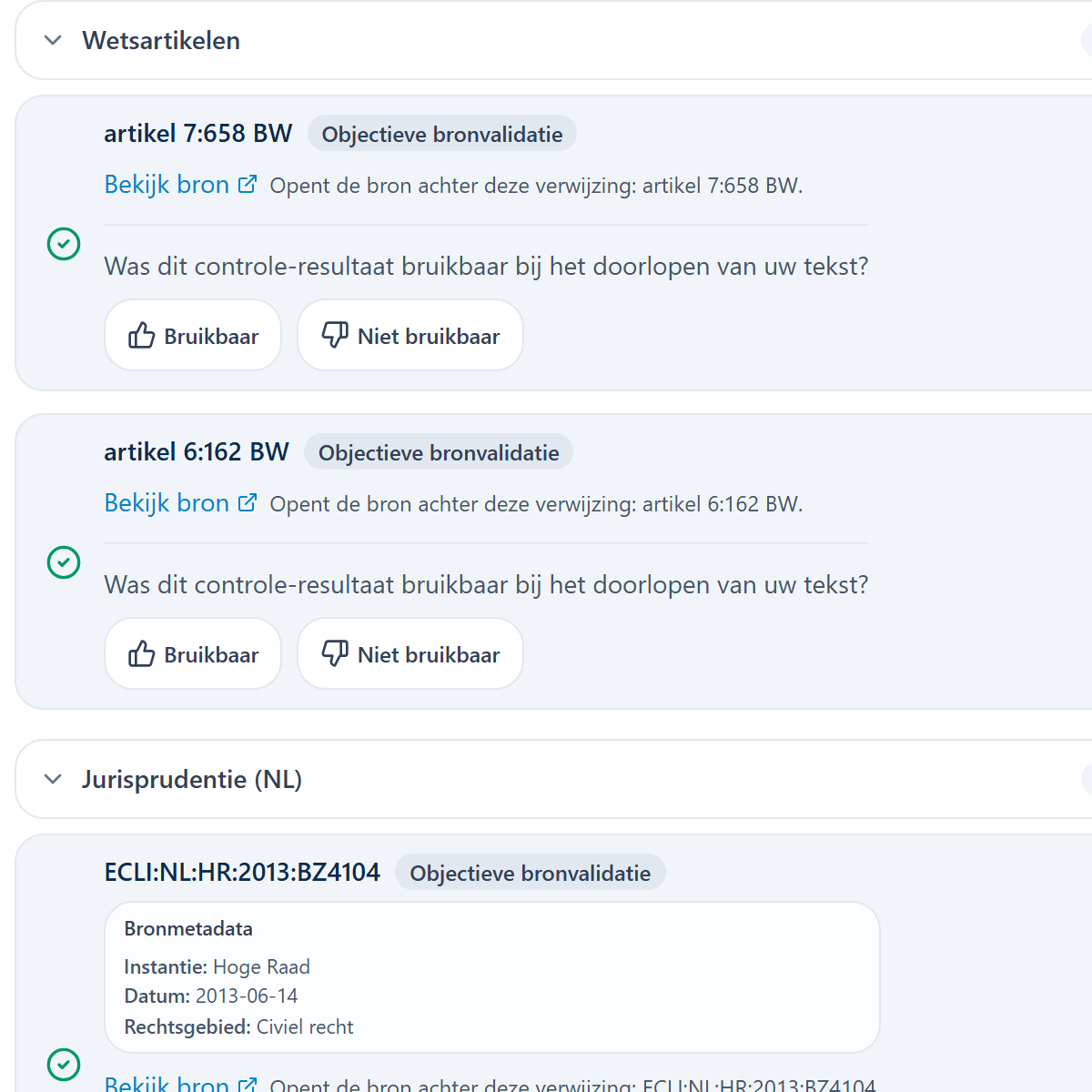
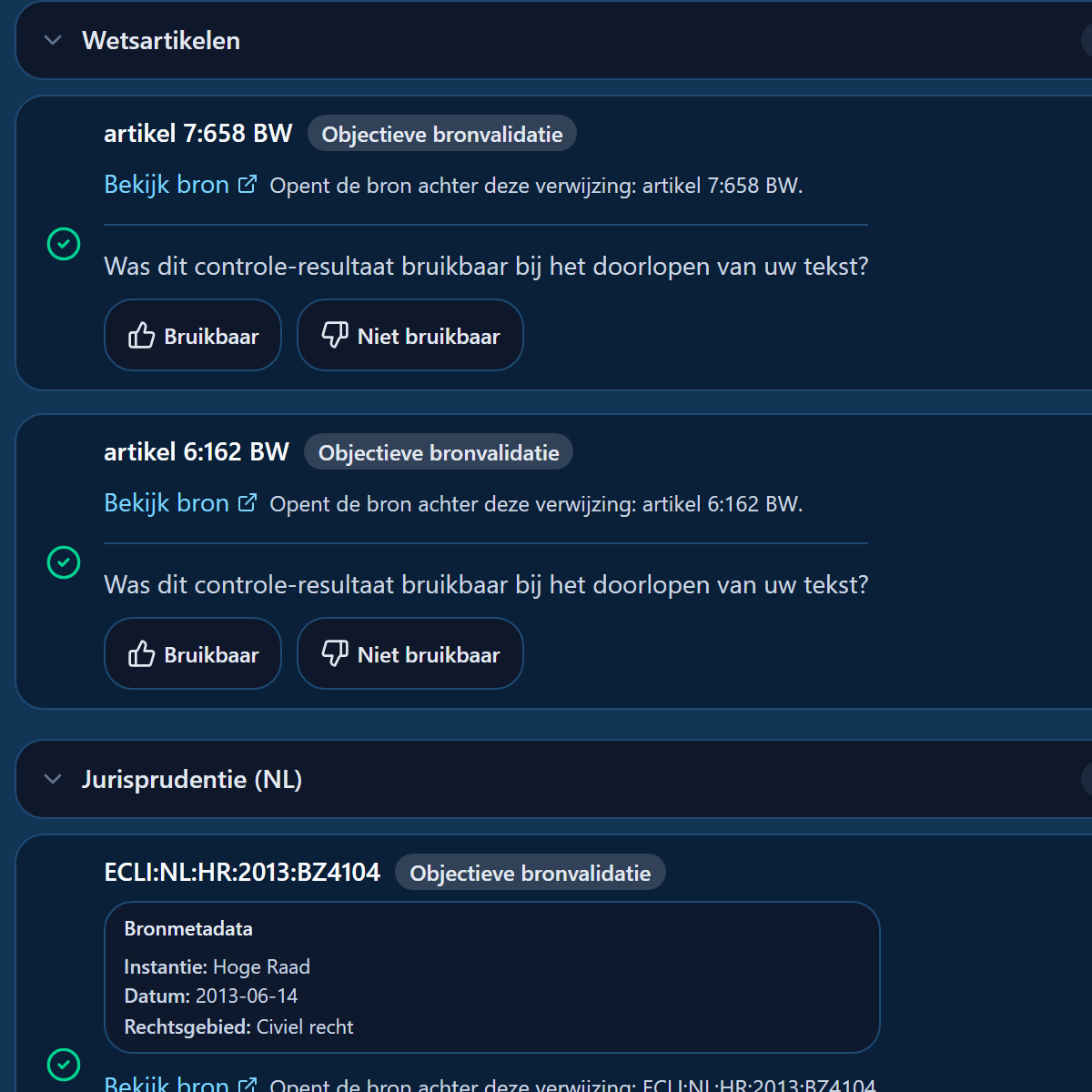
VeriLeges checks citations against the linked sources
Detected citations are compared with linked sources so you can see faster which ones need extra attention.
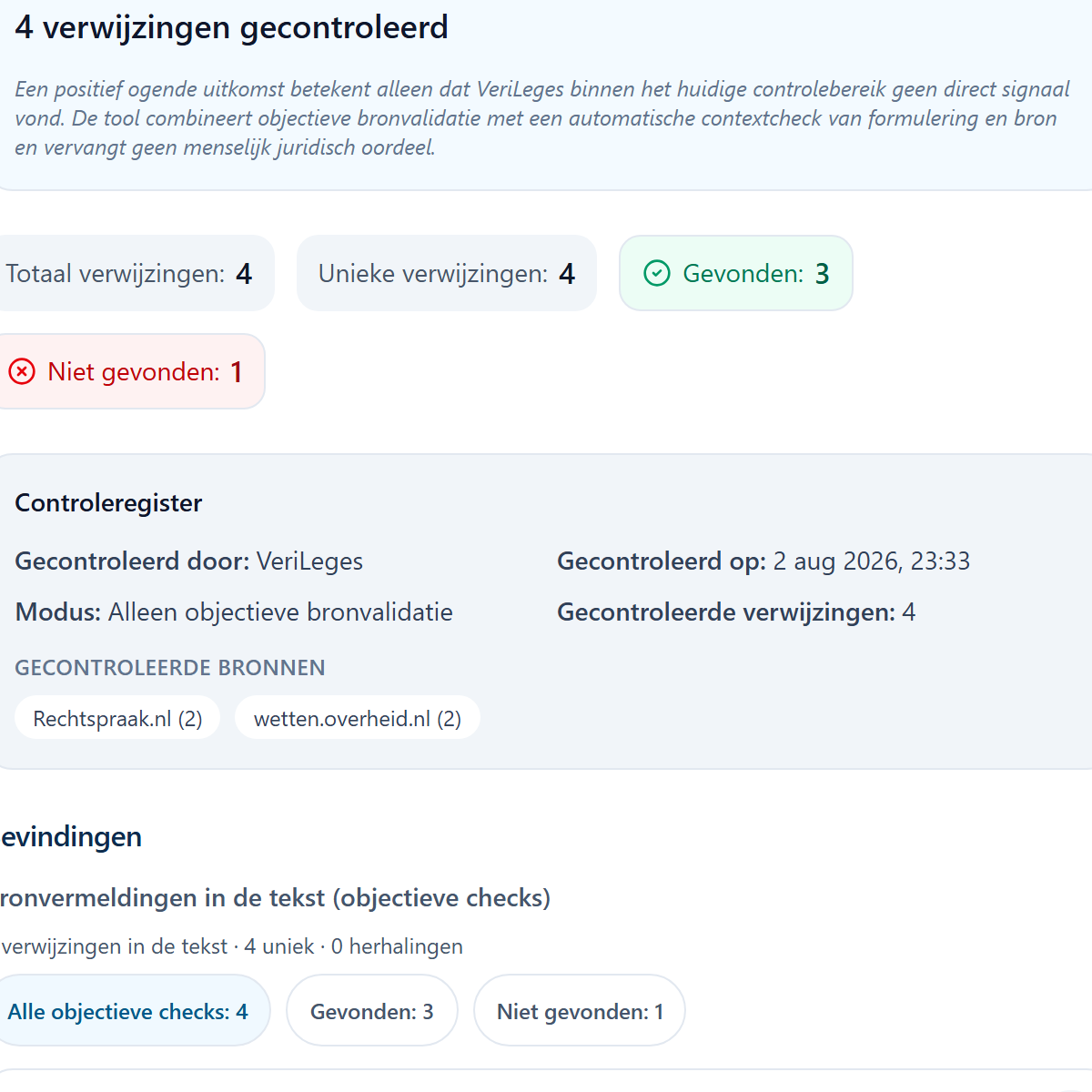
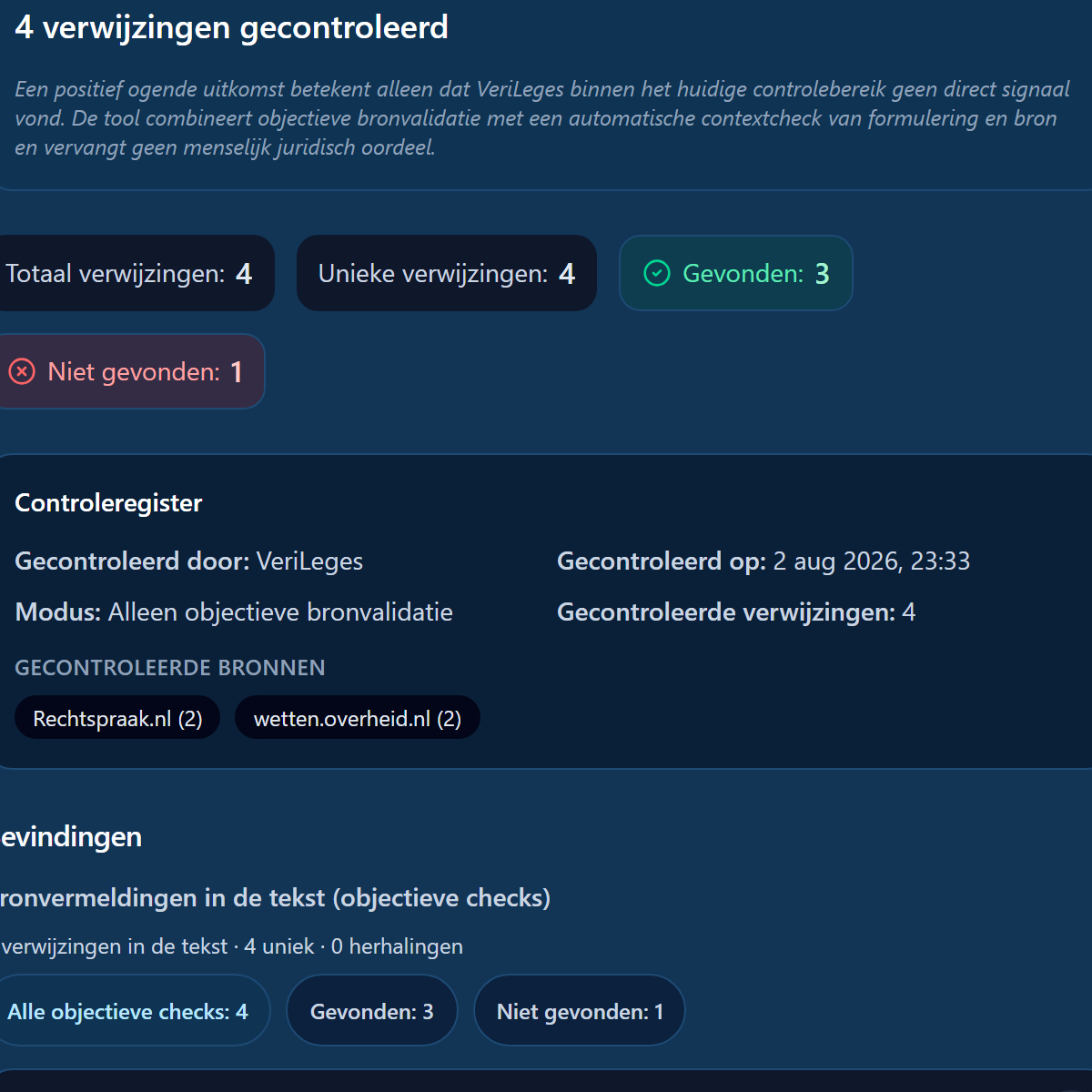
You review the verification report
You immediately see where signals point to extra human legal review, and where the source links are.
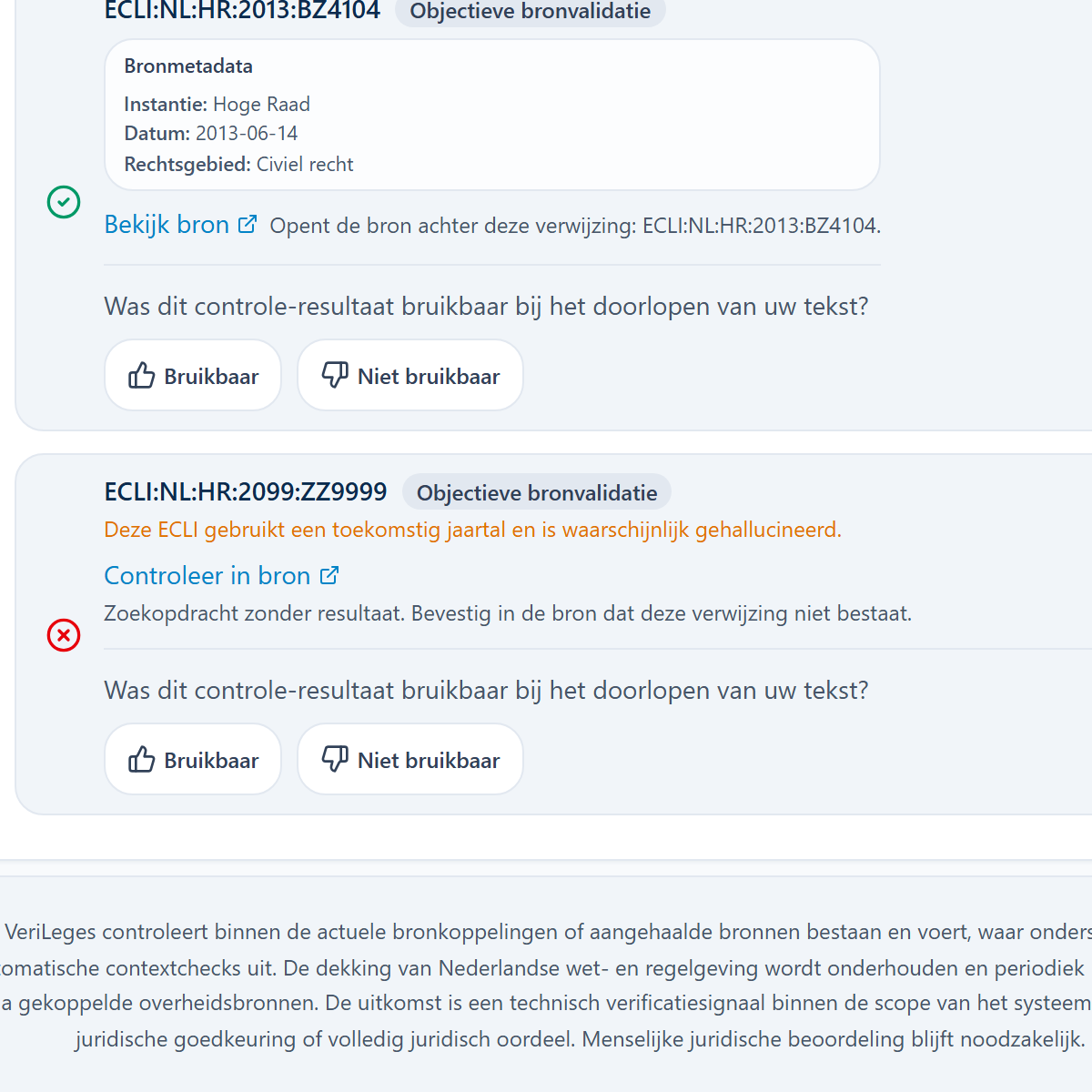
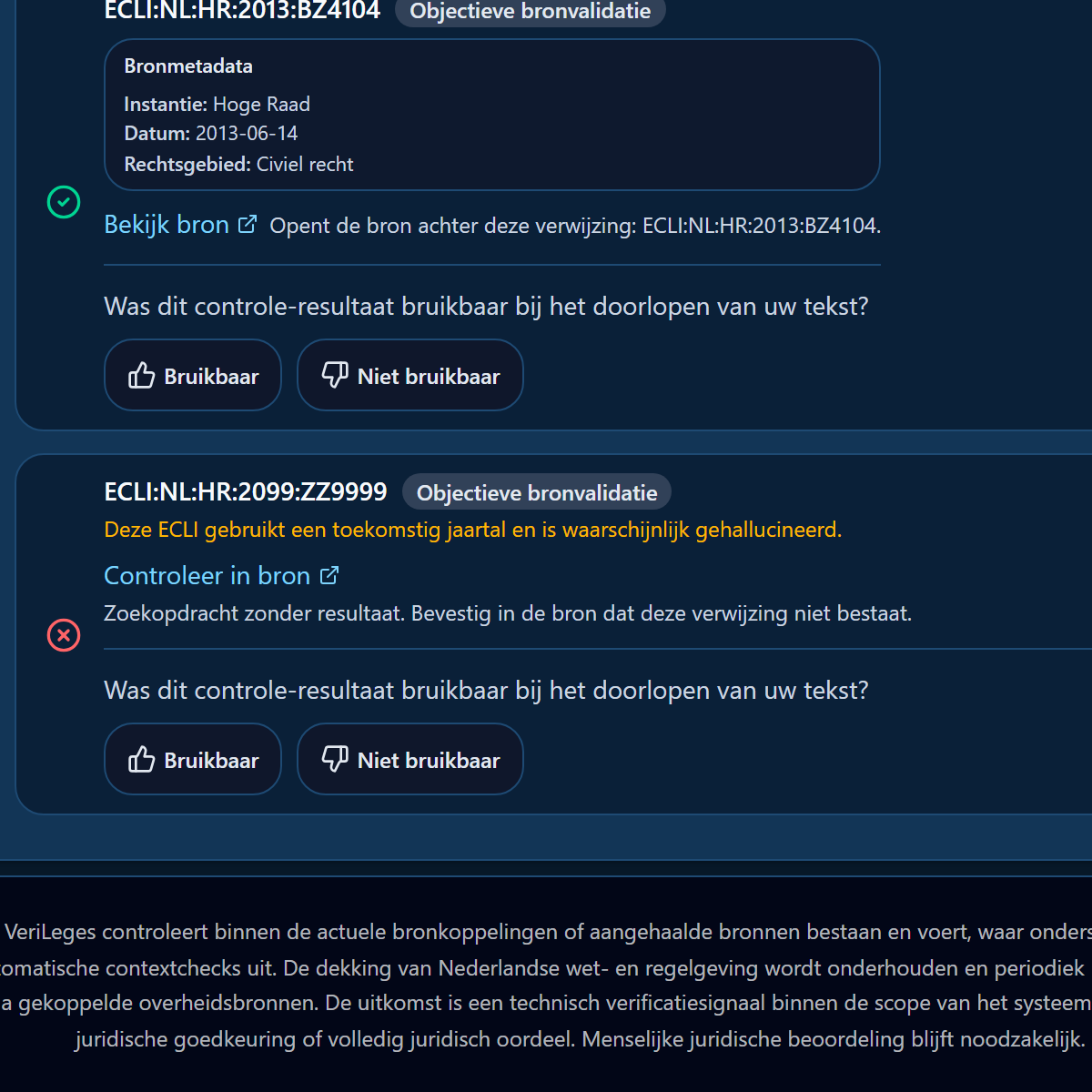
What you see in the report
- Source found / not found
- Warnings and verification signals
- Direct source links
- Review priority
- Explanation limited to what this check currently covers
- Status signal when a judgment was later quashed in the same case chain, with a link to the later judgment
A found ECLI does not automatically mean the source is still stable in the procedure. Where formal relations in the case-law data show it, you get a review signal if the judgment was later quashed. Open the later judgment and decide yourself what you may still rely on.
Important for use
Use the outcome as help deciding where to look next. VeriLeges does not replace human legal assessment and does not provide legal judgment.